Payments Online
Log in to the PowerSchool web portal to pay your student's fees and for meals.
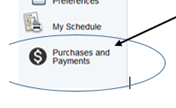
Once you are logged into your parent PowerSchool account, simply click on "Purchases and Payments" at the bottom of the left-hand menu.
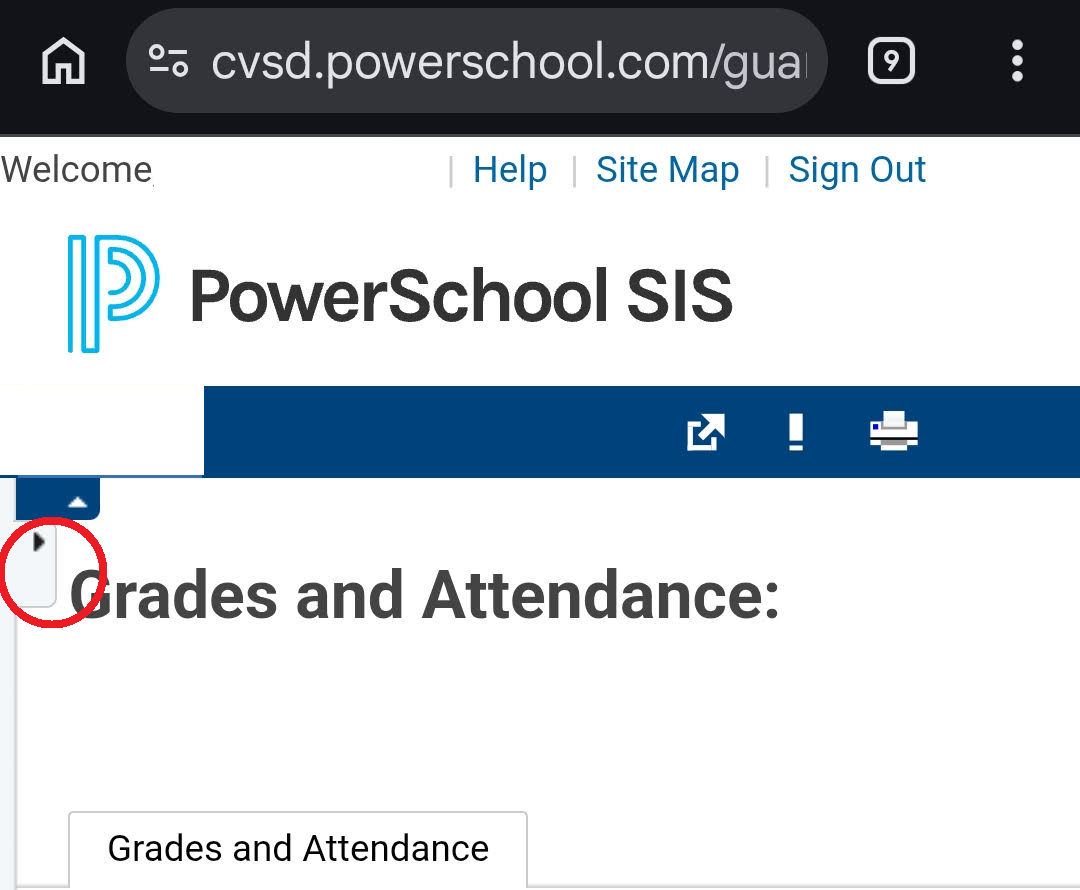
NOTE: This is only available on the website portal for parent accounts, not in the PowerSchool App or when logging in to a student account. If you are accessing through a mobile device, you will need to log into the website portal and expand the arrow for the menu, circled in red below, to get to the "purchases and payments" part of the menu.
How to pay online lessons...
Choose to scroll, watch a video, or view slides.
New to PowerSchool?
Please follow these PowerSchool instructions.
Trouble logging on to PowerSchool?
Please contact your child's school office, email [email protected], or call 509.558.6702 for assistance.
You can use the "Purchases and Payments" link within PowerSchool to access InTouch, where you can:
- Pay for meals
-
- Pay for student breakfasts & lunches
- Check balances
-
- Pay middle school/high school fees
-
- ASB Card
- Activity & athletic fees
- Club dues
- Yearbook
-
- Pay student fines
-
- General fines
- Library & textbook fines
-
Looking for the previous way to pay?
You can still access this through the link below. PLEASE NOTE: The link to InTouch will soon be available to use only after logging into PowerSchool. If you haven't already, sign up for a PowerSchool account today for one-stop access. Instructions for a PowerSchool account.
wa-centralvalley.intouchreceipting.com
Login is the STUDENT ID# and password is the student's LAST NAME in ALL CAPS.